For agencies, developers, consultants and project teams
NodiTeam is one shared place for everything your team does for clients: tasks on a board and timeline, hours per task, client requests and monthly billing. No more scattered e-mails, spreadsheets and sticky notes.
No credit card. No data import needed, you’re up and running in minutes.
Sound familiar?
The client writes an e-mail, a colleague a chat message, you jot it on a sticky note. Half of it gets lost.
In the meeting everyone says what they’re working on. A week later nobody knows whether it got done.
Hours are pieced together from memory and calendars. What isn’t logged doesn’t get invoiced.
Workflow
Every step happens in the same system, so nothing gets retyped and nothing gets lost.
01
The client submits a request on the portal or accepts a quote. It becomes a task with an hour estimate.
02
The task gets an assignee, start date, due date and priority. Everyone sees what’s next.
03
The team logs hours on the task as they go, in the work log or straight from Telegram.
04
A finished task goes into review. Once you approve it, it’s done. If it came from a request, the client is notified.
05
At the end of the month, the hours become a client report and an invoice based on hourly rates.
Team and attendance
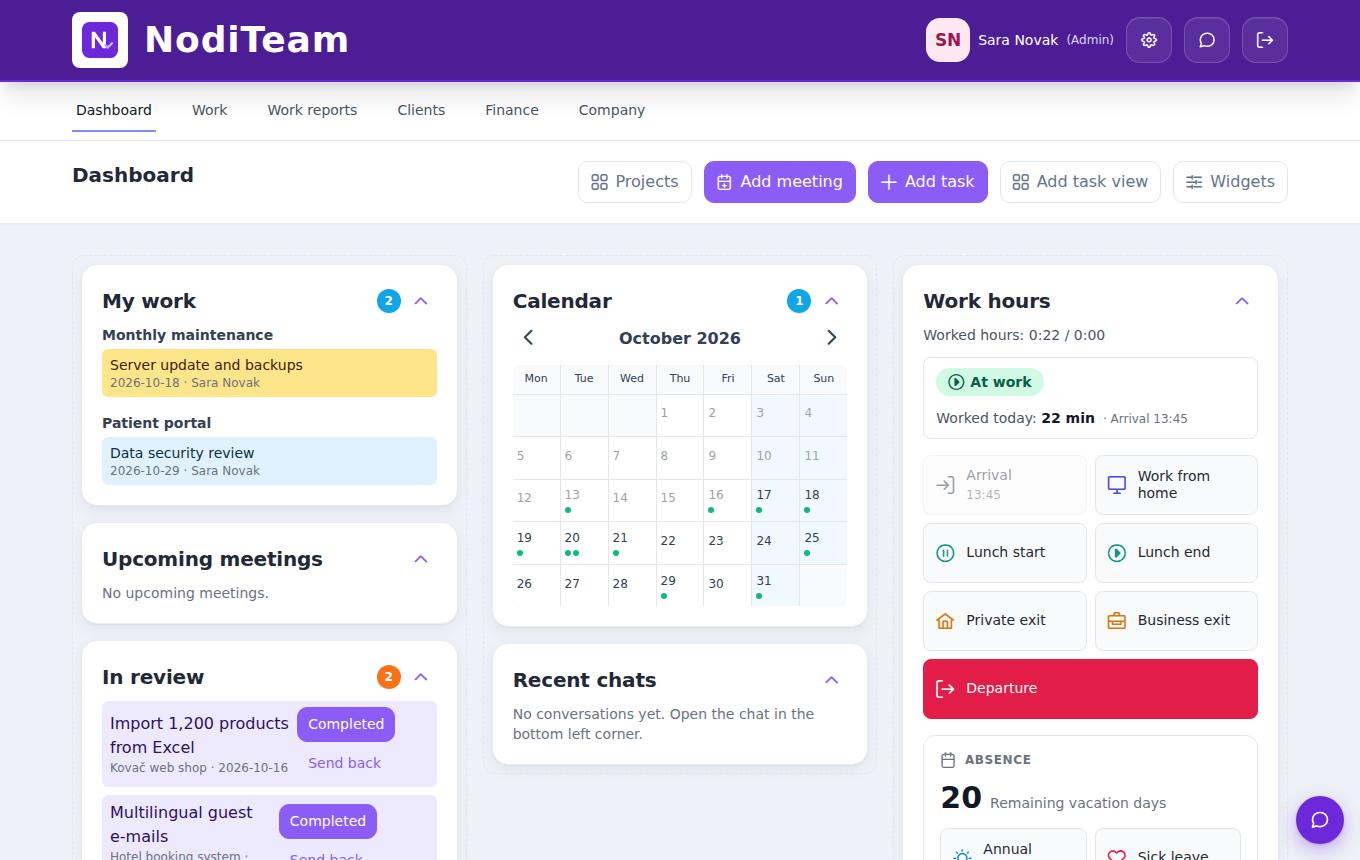
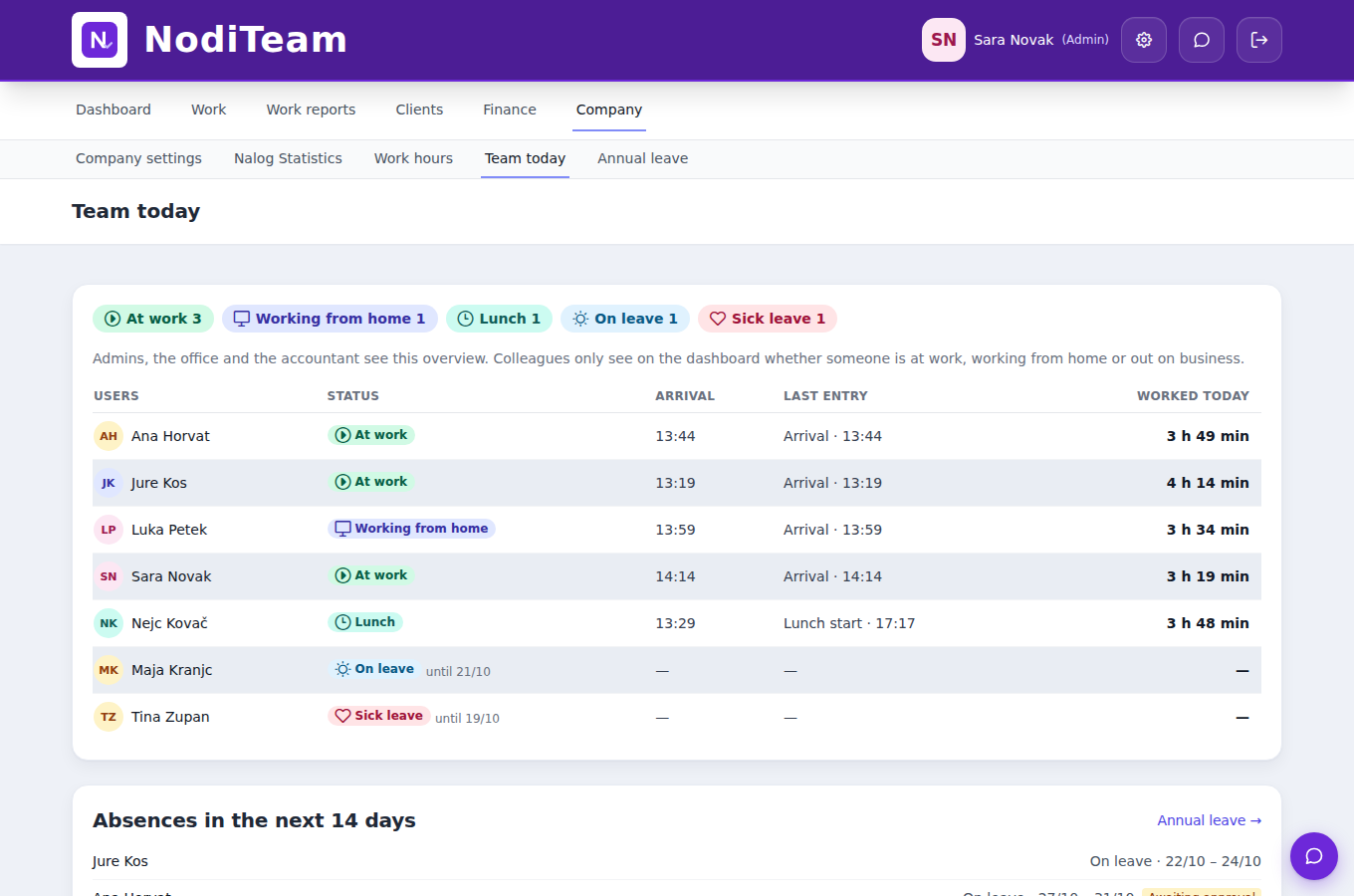
Everyone clocks in on arrival and the hours start counting on their own. Lunch breaks, leaving the office, working from home, leave and chat live in the same app as the tasks.
Clock in on arrival at the office kiosk, with a card, an NFC or QR code on the wall, or on your phone. The hours start counting on their own.
Clock out for lunch, a private errand or a business trip out of the office and back in with one click. The time is counted correctly.
Clock in as working from home. Hours count the same and your manager knows where you are.
Request leave in the app and see the days remaining. Your manager gets a notification and approves or rejects it in one click. Sick days you enter yourself.
Channels, direct messages and links to tasks, with notifications on your phone too. No more digging through e-mails.
Assign a task to anyone on the team, in the office or at home. They see it straight away in My work.
Three views of the same work
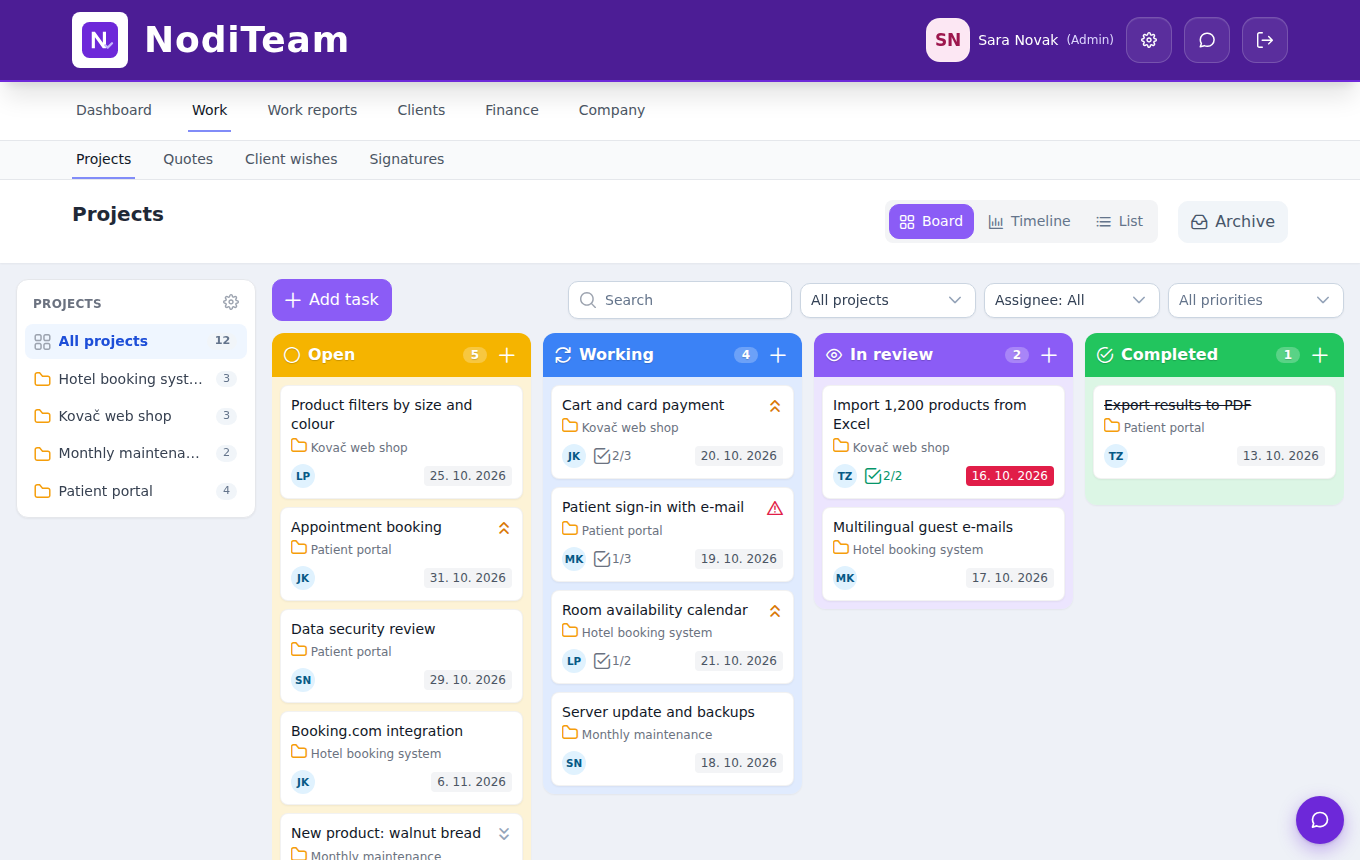
Ideas, Open, In progress, In review and Done columns. Move a task, let colours show priority, and see subtask progress right on the card.

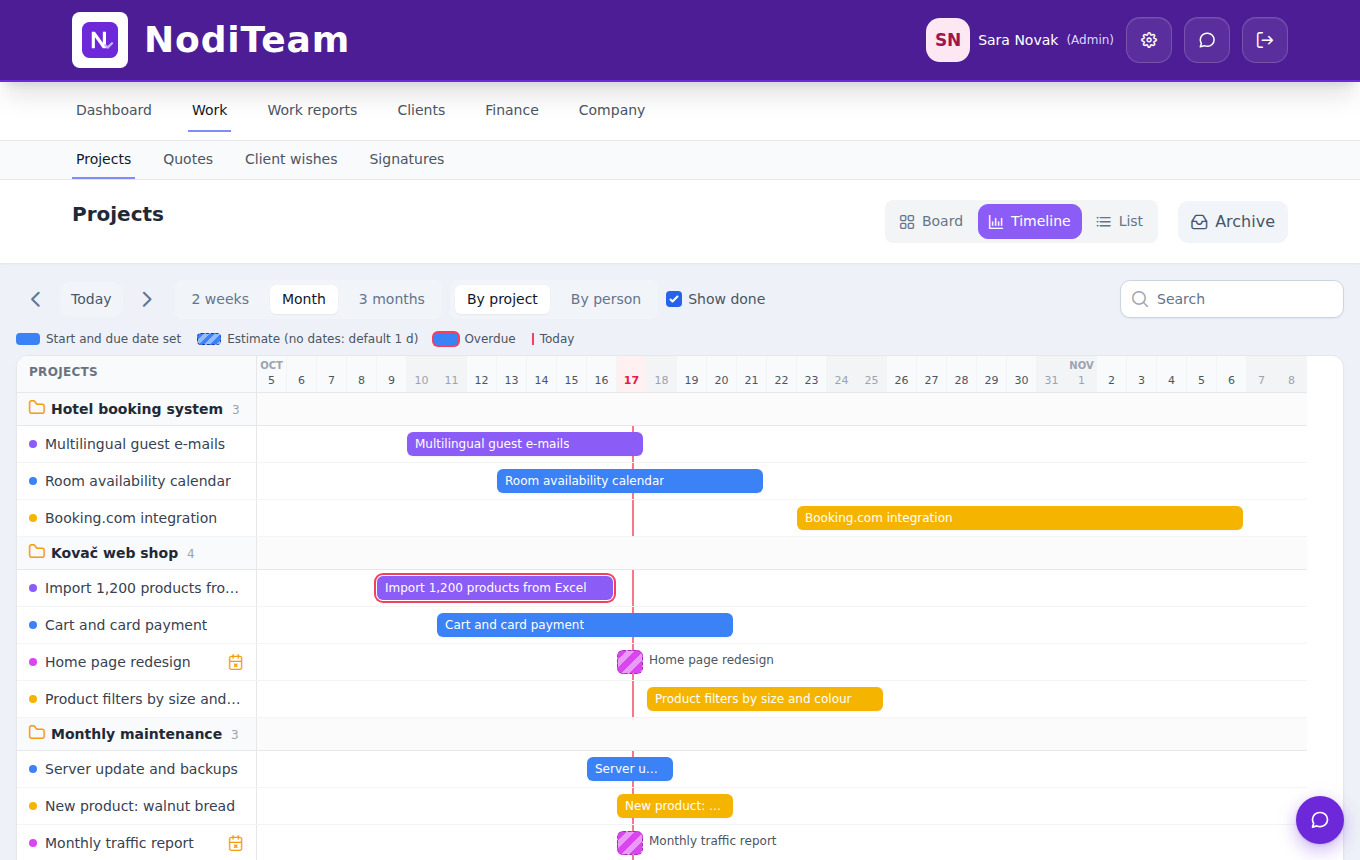
Each task is a bar from start to due date. Delays are red, and you can view work by project or by person.
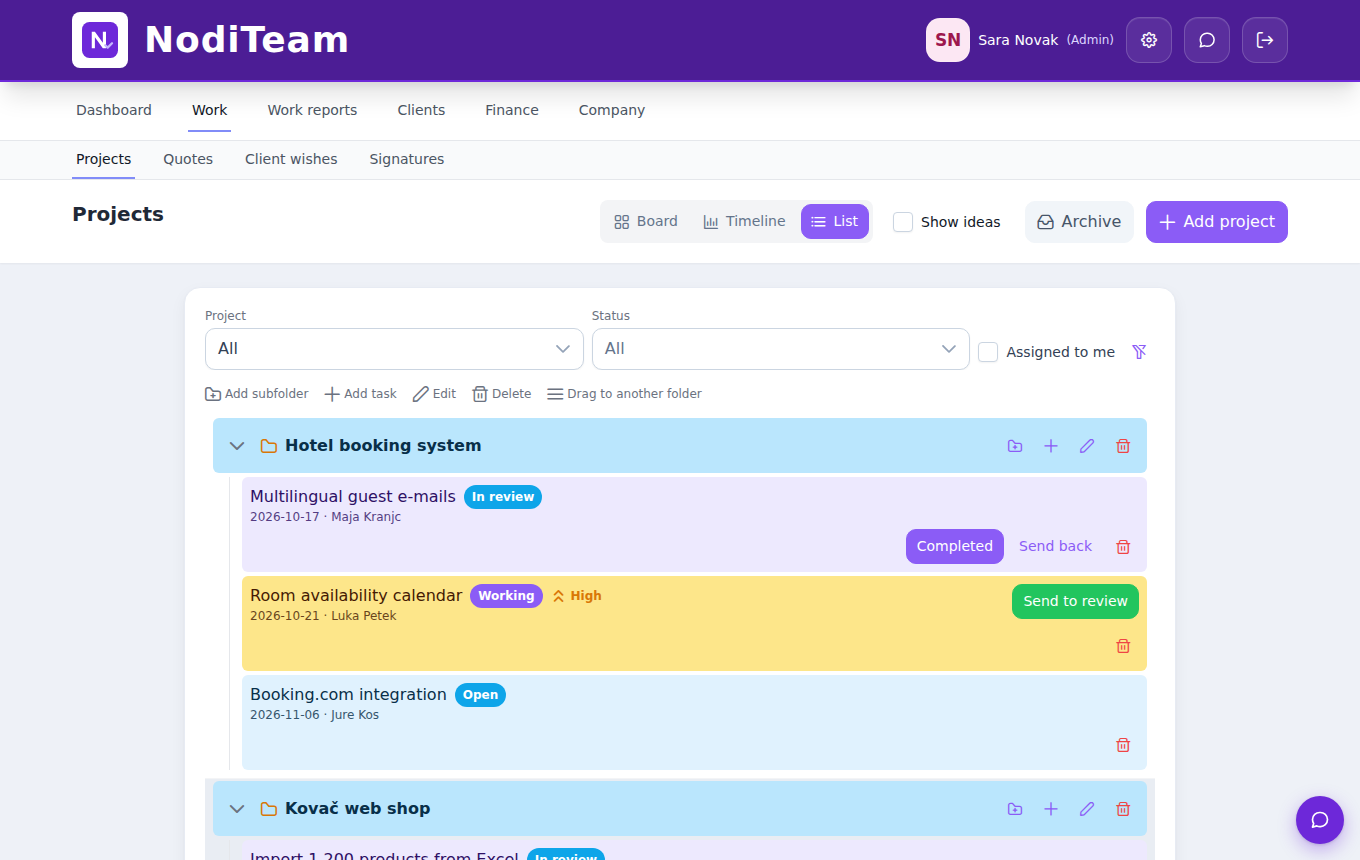
Projects and subprojects with tasks, statuses and due dates. A quick overview of what’s open for each client.
Everything for client work
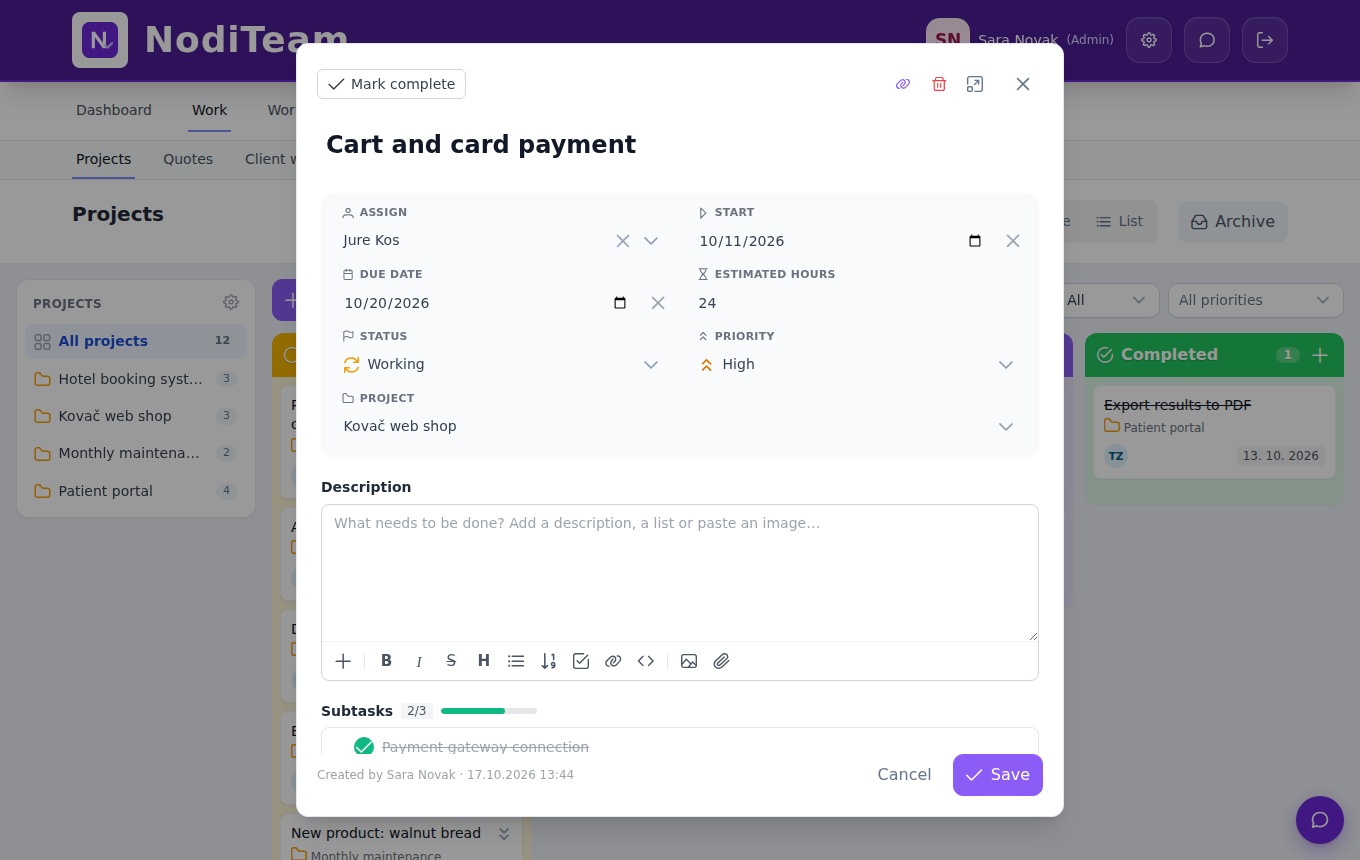
Description, subtasks with progress, attachments, comments, hour estimate, start and due date.
A work log with hours by client and task. Recurring monthly items are added automatically.
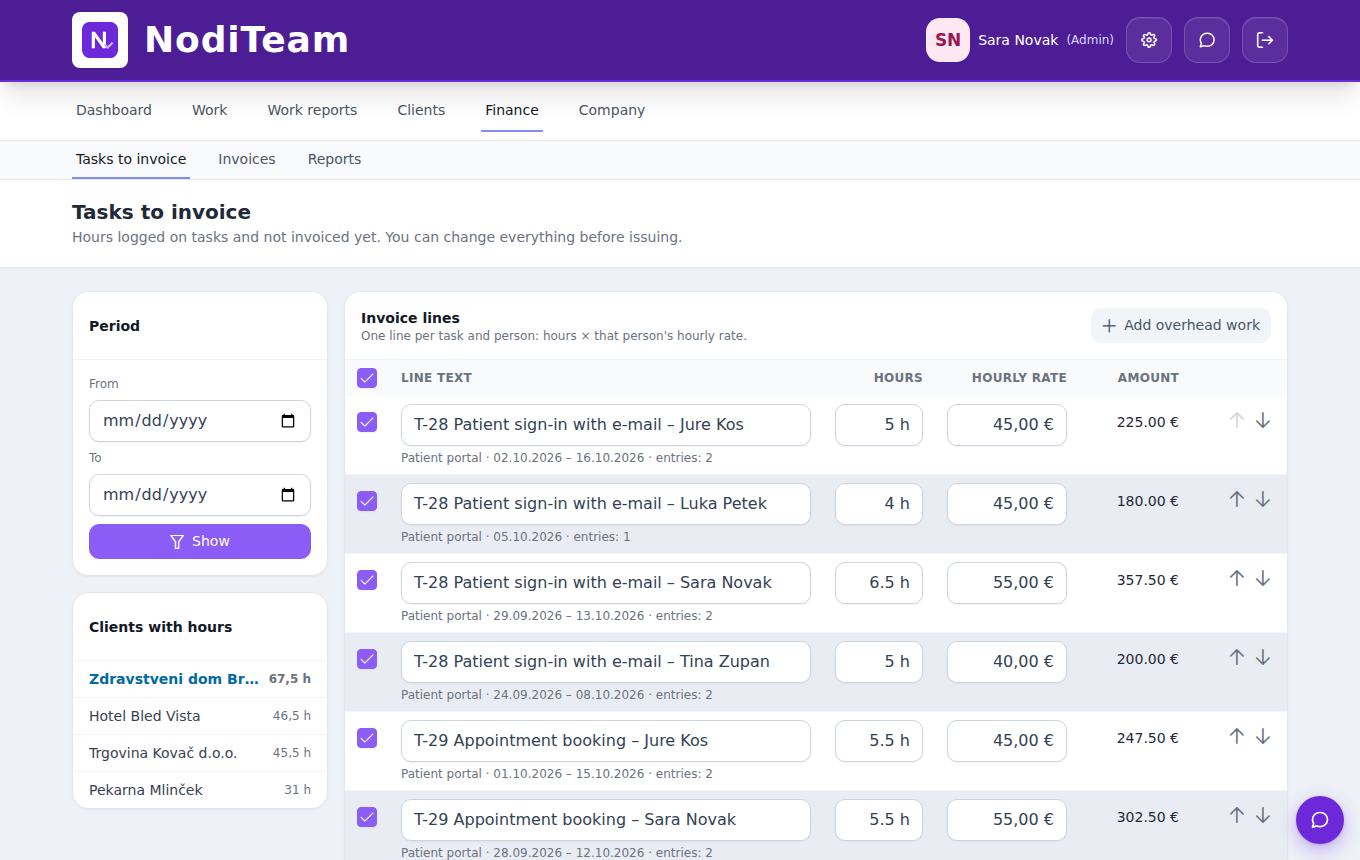
Hours × each person’s hourly rate. Every entry is invoiced only once, even on tasks that run for months.
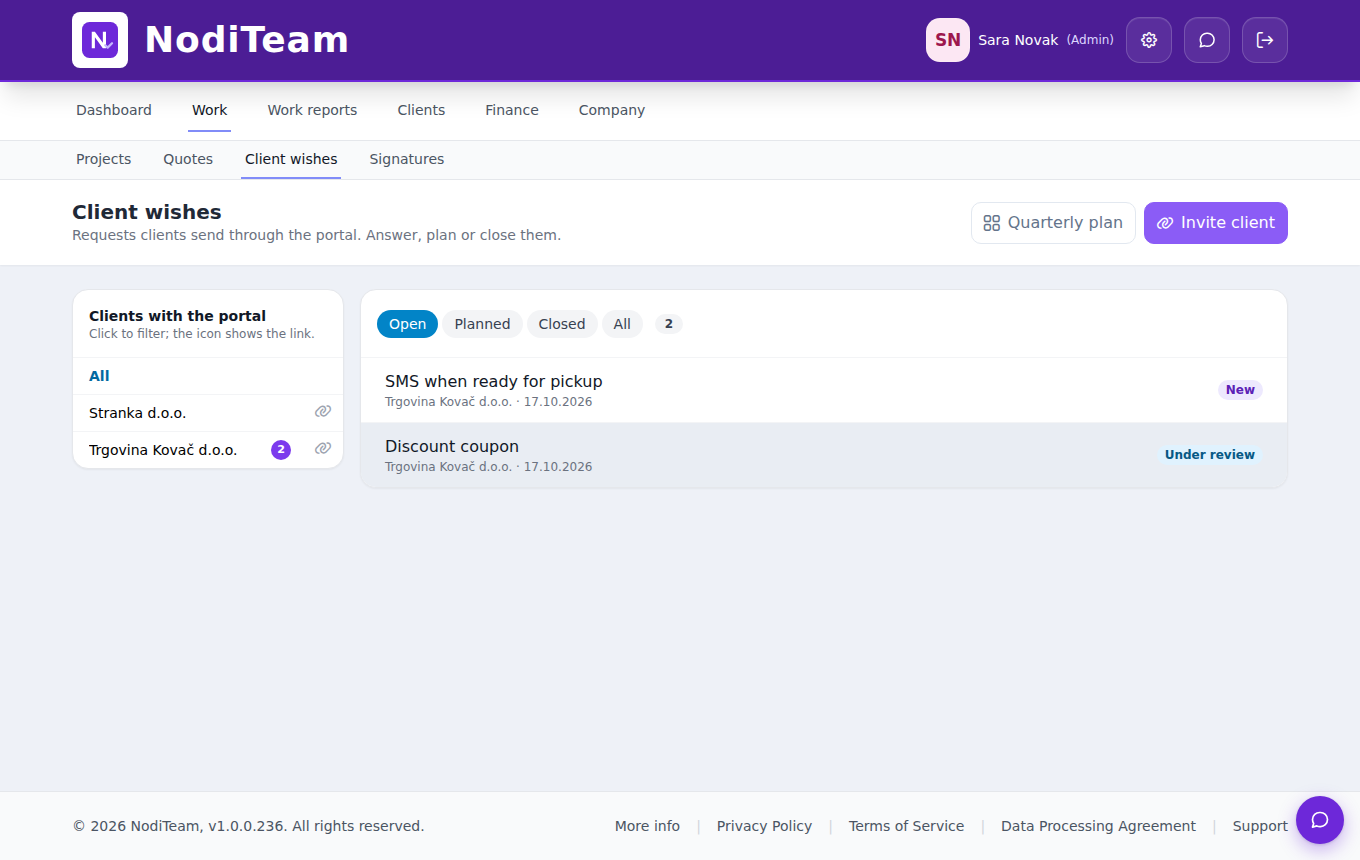
Clients submit requests on their own portal. You plan them into a quarter, they see the status.
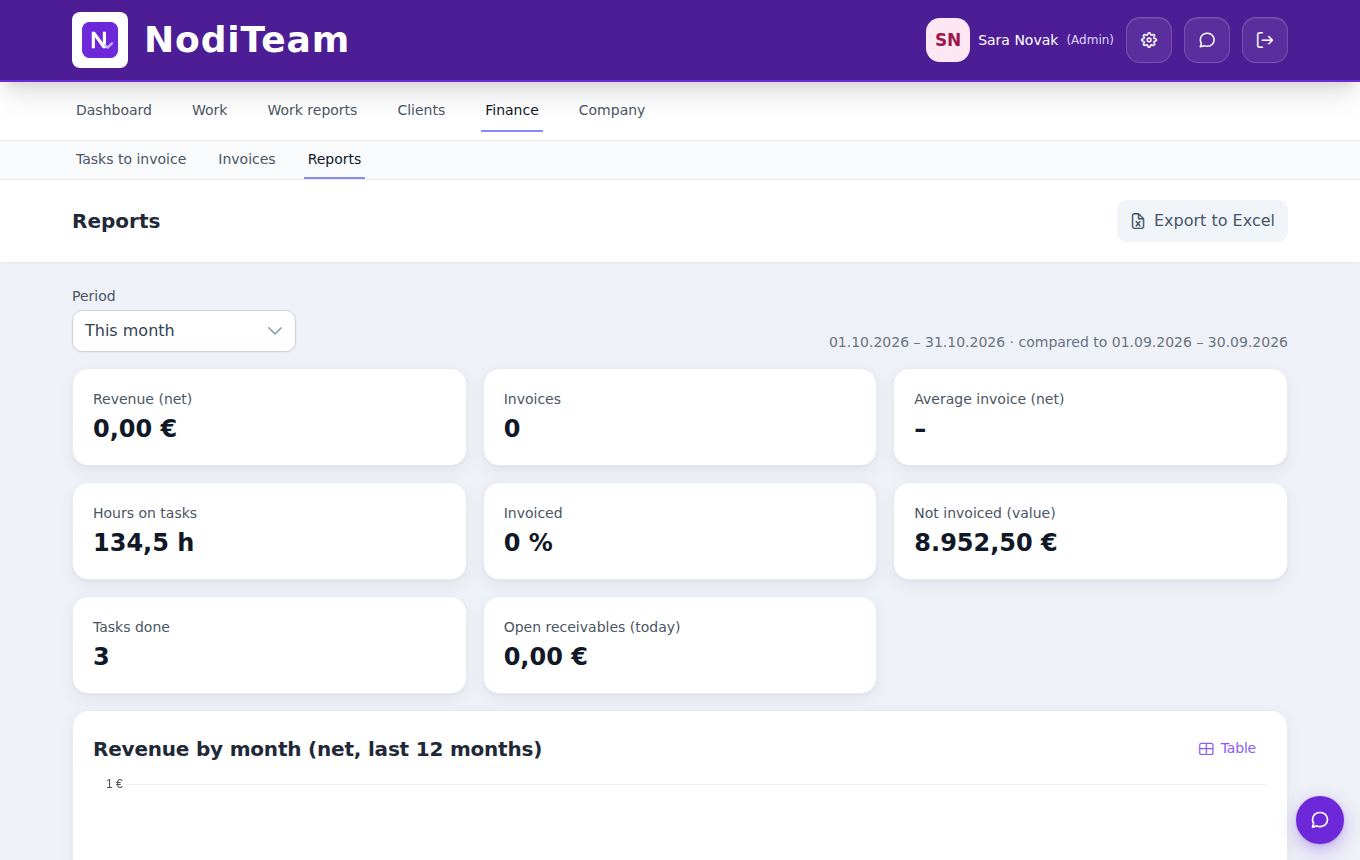
Hours by project against the estimate, by person, and uninvoiced by client.
Billing
Team
Pricing
Prices are final, VAT included. Try the Pro plan free for 14 days.
25 € / month
5 users
49 € / month
20 users
99 € / month
50 users
Questions
Tasks are connected to hours, clients and invoices. Whatever the team does is logged on the task, and the hours become the monthly report and the invoice.
No. Log hours as you go, weekly or at the end of the month. Items that are the same every month are added automatically.
No. On the portal, clients only see their own requests, your replies and the status. They don’t see your tasks, your team or other clients.
Yes, as invoices by your country’s rules or sent to your accounting software, such as Xero or QuickBooks. This option is optional and is turned on by the administrator.
14 days free, with every feature. Set up your first project and tasks in minutes.